
Turn comments into a conversation
Compelling Discussions
Through rich audio, video, and text commenting, students interact as if they were together in person. A VoiceThread discussion is better than a live session because it gives students the time to think and process ideas before they contribute, resulting in conversations that are less stressful and higher quality.
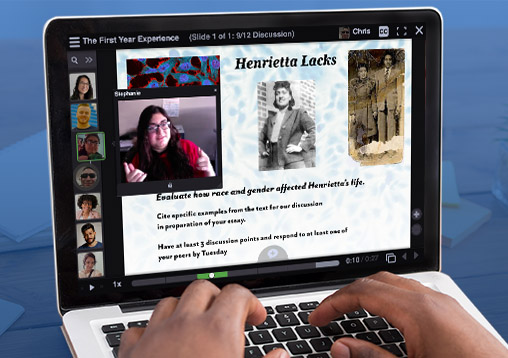
Go Beyond the Printed Page
Good writing instruction is multi-sensory, involving speaking,reading, and listening. VoiceThread provides the platform for all of these activities in one space. Students learn appropriate conventions for a variety of rhetorical situations and academic disciplines and can give and receive feedback in a warm, more human interaction.
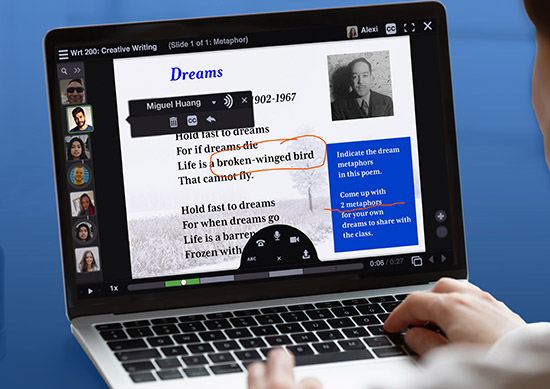
"An entire classroom of students can collectively analyze a media text on a single page, share fresh perspectives, challenge each other’s thinking and develop greater understandings in the process."
Quick and Meaningful Feedback
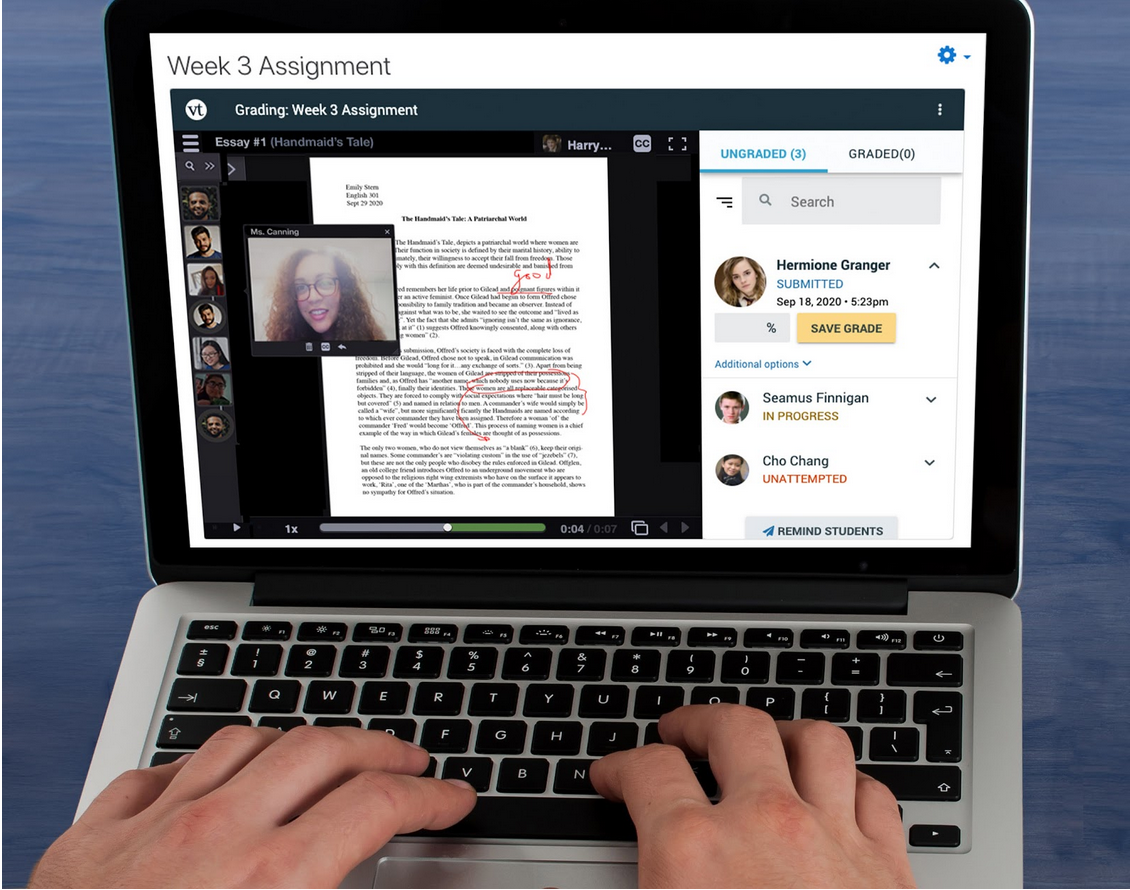
With busy schedules and limited class time, you might find responding to students individually a daunting task. VoiceThread enables prompt, personal feedback that takes very little time, in a format that makes criticism much easier to process successfully.
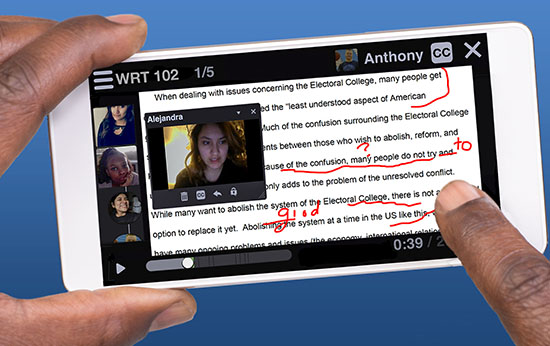
Strengthen the Writing Process
VoiceThread lets you focus on deep revision rather than superficial correction. Incorporate collaboration, group work, and peer feedback throughout all writing stages. Students can reflect on their rhetorical decisions and see if their intended meaning is getting across.
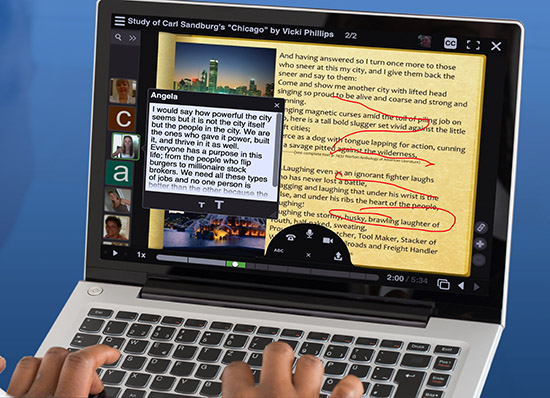
"I saw my students go from being reluctant and nervous students to enthusiastic and totally engaged teachers of one another."
Portfolios
The ability for students to narrate and explain their work is a powerful addition to traditionally static portfolios. In addition, the students can invite commentary and criticism from experts, and choose whether or not to make this accessible to others.
Reach Students of All Abilities
VoiceThread empowers instructors with a variety of methods to lead students of all abilities, learning styles, and ages. It incorporates all types of media and is perfect for individualized, personalized learning and assessment. Features include full screen reader compatibility, automatic closed captioning, 5 ways to comment on over 50 types of media, mobile access, minimal bandwidth requirements, and many other WCAG and Section 508-compliant features.

"VoiceThread’s accessibility features are excellent and its mixed-media style format helps to differentiate instruction. I’m a huge fan of this tool and find it to be an easy, user-friendly way to engage students and make learning fun!"
"Teaching with VoiceThread humanizes students’ online learning experiences and they get the best of two worlds. They can learn when it’s appropriate for them and they can experience the warmth of their instructor’s and peers’ voices. I see fewer hurt feelings because communications are less likely to be misinterpreted, as is the case with written discussions. Students are more likely to experience connection with others, which is the magic that fuels our class community."